
The 6 Best AI Tools for Photo Editing in 2026
Artificial intelligence (AI) has arrived to transform many parts of modern life, and photography is no exception.
In the past, photo editing took hours of detailed work, a lot of experience with software like Photoshop, and a trained eye to get professional results. Today, thanks to AI, you can speed up the process, streamline your workflow and create images with stunning visual quality in less time and with less effort.
Whether you are a professional photographer or just getting started, understanding how to use artificial intelligence can make a big difference in your work.
Advantages of AI in Photo Editing
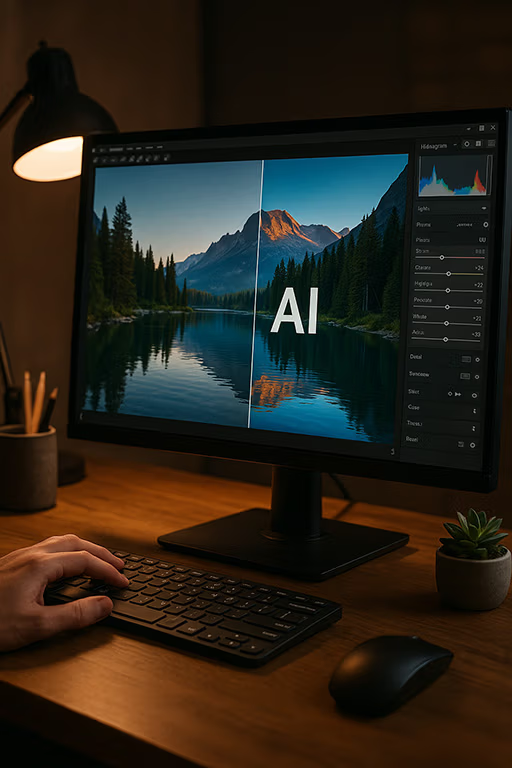
Artificial intelligence is not here to replace the photographer’s creativity, but to boost it. These are some of its main advantages:
Time savings: tasks like removing blemishes, selecting subjects or correcting color take just seconds.
Automation of complex tasks: AI can detect faces, backgrounds and objects automatically, allowing more precise editing.
Better image quality: AI-based tools can increase resolution, reduce digital noise, fix blur and optimize light.
Consistency across large sessions: ideal for product or portrait photographers who need to edit hundreds of images in the same style.
Accessible for beginners: you don’t need to master Photoshop to get great-looking results.
How does AI work in photography?
AI works through algorithms trained on millions of images. This allows it to “understand” visual patterns, like the shape of a face, the texture of skin, the shine of hair, or the dark and blown-out areas of a photo. With that information, it can make editing decisions that imitate human judgment, but at an impressive speed.
For example, it can smooth skin without erasing important details, or intelligently recover overexposed areas, something that used to take several manual steps.
6 AI Tools Leading the Way in 2026
Here are six AI tools you can start exploring today to improve your workflow:
1. Adobe Firefly in Photoshop and Lightroom
Adobe’s AI is built right into Photoshop and Lightroom. With Generative Fill and Generative Remove you can add or erase elements in seconds, and Lightroom can select subjects, skies and backgrounds with one click, remove distractions and suggest edits. It’s still the most complete option for professional retouching.
2. Luminar Neo
The successor to Luminar AI, designed for fast, intuitive editing. It detects the subject of your photo, suggests presets, replaces skies, and includes face and skin tools that let you brighten eyes or reduce shine, always with a slider so you stay in control.
3. Topaz Photo
Topaz now brings its tools together in one app: it removes noise without losing detail, fixes blur from motion or missed focus, and upscales images without pixelation. Perfect for rescuing low-light photos or preparing large prints.
4. Aftershoot
A huge time saver after a big session. It culls your photos automatically, picking the sharpest shots and flagging closed eyes or duplicates, and then it learns your editing style to color-correct the whole set in your own look.
5. Evoto
One of the favorite tools of portrait photographers today. Evoto retouches skin while keeping its natural texture, smooths wrinkles in clothing, removes glare from glasses, cleans up backgrounds and lets you shape faces and bodies subtly. Best of all, you can sync your adjustments to an entire session in one click.
6. Retouch4me
A suite of AI plugins for skin retouching, eye enhancement and cleaning up clothes or backgrounds, with little manual work and keeping natural skin texture. Perfect for portrait and fashion photographers.
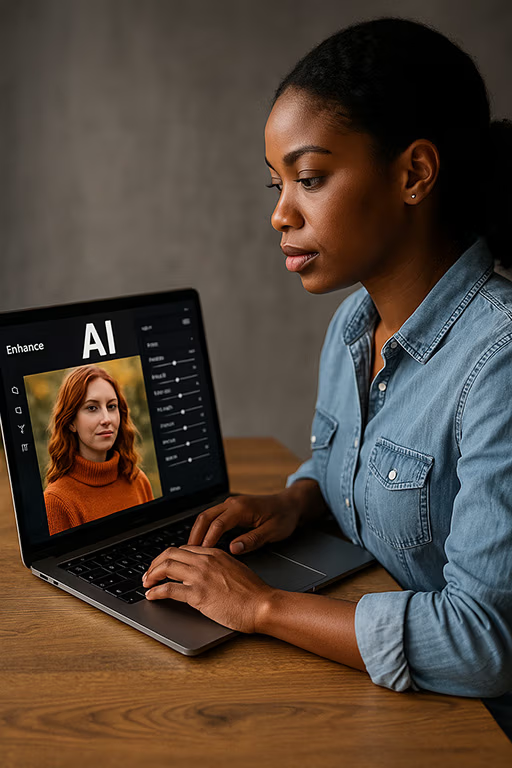
How I use AI in my own workflow as a photographer
I use artificial intelligence to speed up repetitive tasks and focus my energy on the creative side. For example:
Quick skin correction: I use AI plugins to clean up blemishes without losing natural texture.
Batch color editing: I edit the color of an entire session while keeping a consistent look.
Automatic subject cutouts: with Photoshop’s one-click background removal, I save hours when creating images for catalogs or composites.
Sharpness and focus: with Topaz I can improve slightly blurry images without damaging them.
Creative enhancements: sometimes I use AI to add backgrounds, objects or visual effects that strengthen the message of the image.
Thanks to these tools, I can deliver results to my clients faster, keep the quality high and free up time for new projects.
Are we losing the art of editing?
A common concern is whether AI will replace the eye of the photographer or the professional retoucher. But the reality is that artificial intelligence, for now, does not replace human sensitivity; it becomes a creative assistant. You decide how to use it.
AI doesn’t know if an image conveys emotion, if a tone feels more poetic or if the light creates nostalgia. That artistic judgment is still in your hands. What it does is help you get there faster and with more options.
Conclusion: AI is an ally, not a threat
Artificial intelligence is a new stage in the evolution of photography. Just as we moved from the darkroom to digital processing, we are now entering the era of smart editing. Refusing to explore it means closing yourself off to opportunities for growth, productivity and visual expression.
If you are starting your career or want to raise the quality of your work, I encourage you to try these tools. You don’t need to be an expert to get impressive results. You just need curiosity, good taste and an open mind.
German D Canon C
Share this article:
If you have a question, want to share something, or there’s a topic you’d like me to cover, leave a comment below and I’ll be happy to reply.
Tell us about your thoughtsWrite message